
Independently reviewed using official sources and practical use cases.

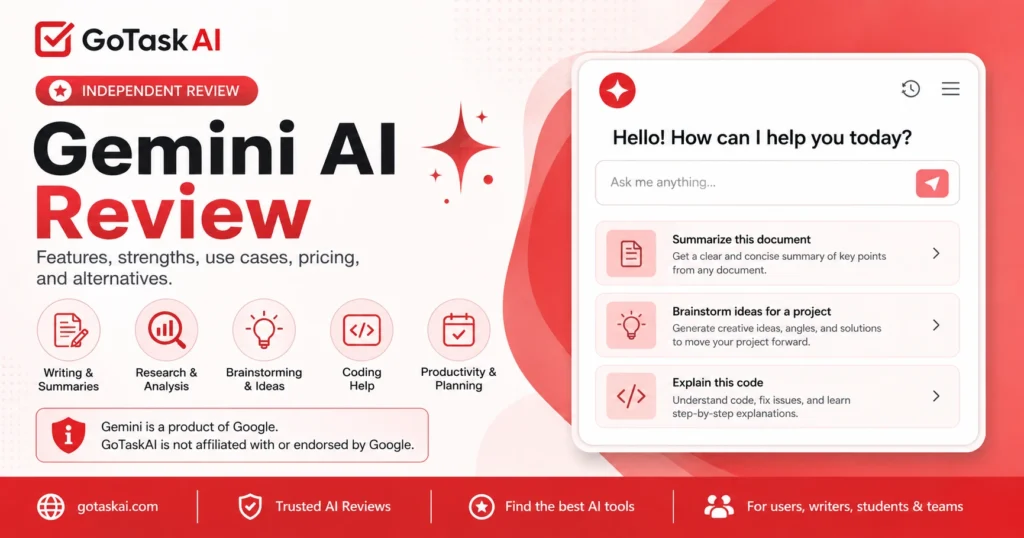
emails, articles, summaries, rewriting, and brainstorming.
For users who rely on Google apps and services.
exploring topics, organizing information, and preparing research.
code explanations, examples, debugging ideas, and technical support.
planning, task organization, workflows, and daily work.
support text, image, and other input types depending on availability.
Strong for drafting, rewriting, summarizing, brainstorming, emails, articles, and everyday content inside Google’s ecosystem.
Works well for research preparation, summaries, topic exploration, planning, and everyday productivity with Google tools.


Gemini is a strong choice for users who want an AI assistant that works well with Google’s ecosystem. It is especially useful for writing, summaries, brainstorming, research preparation, coding explanations, planning, and everyday productivity tasks.
Its biggest advantage is the connection with Google tools and services. If you already use Google Search, Gmail, Docs, Drive, or Workspace, it can feel like a natural part of your daily workflow.
The tool is not perfect. Its answers can still be incomplete, outdated, or inaccurate, and some advanced features depend on plan, region, or account availability. Important outputs should always be checked before using them for legal, medical, financial, technical, or business decisions.
Overall, it is recommended for Google users, students, writers, researchers, professionals, and teams that want a practical AI assistant for daily work, content, research, and productivity.
You can also explore more AI tools in the GoTaskAI AI Tools directory or compare it with ChatGPT and Claude AI if you need other AI assistants for writing, research, and productivity.
Best for Google users, students, writers, researchers, professionals, and teams that want help with writing, summaries, research preparation, planning, and productivity.
Always verify important outputs, especially for legal, medical, financial, technical, security, or business decisions.
It is used for writing, summaries, brainstorming, research preparation, coding explanations, planning, productivity, and everyday questions.
Yes. It has a free version for basic use. Paid Google AI plans are available for users who need higher limits or more advanced features.
Yes. It can help draft, rewrite, summarize, and improve emails, articles, notes, and everyday content, especially for users who already work with Google tools.
Yes. It is designed to work closely with Google’s ecosystem. Availability and features can depend on your plan, account type, country, and Google app access.
Yes. It can help explore topics, summarize information, prepare research questions, and organize ideas, but important facts should still be verified.
No. It can still make mistakes, miss context, or give incomplete or outdated answers. Important outputs should be checked before use.