
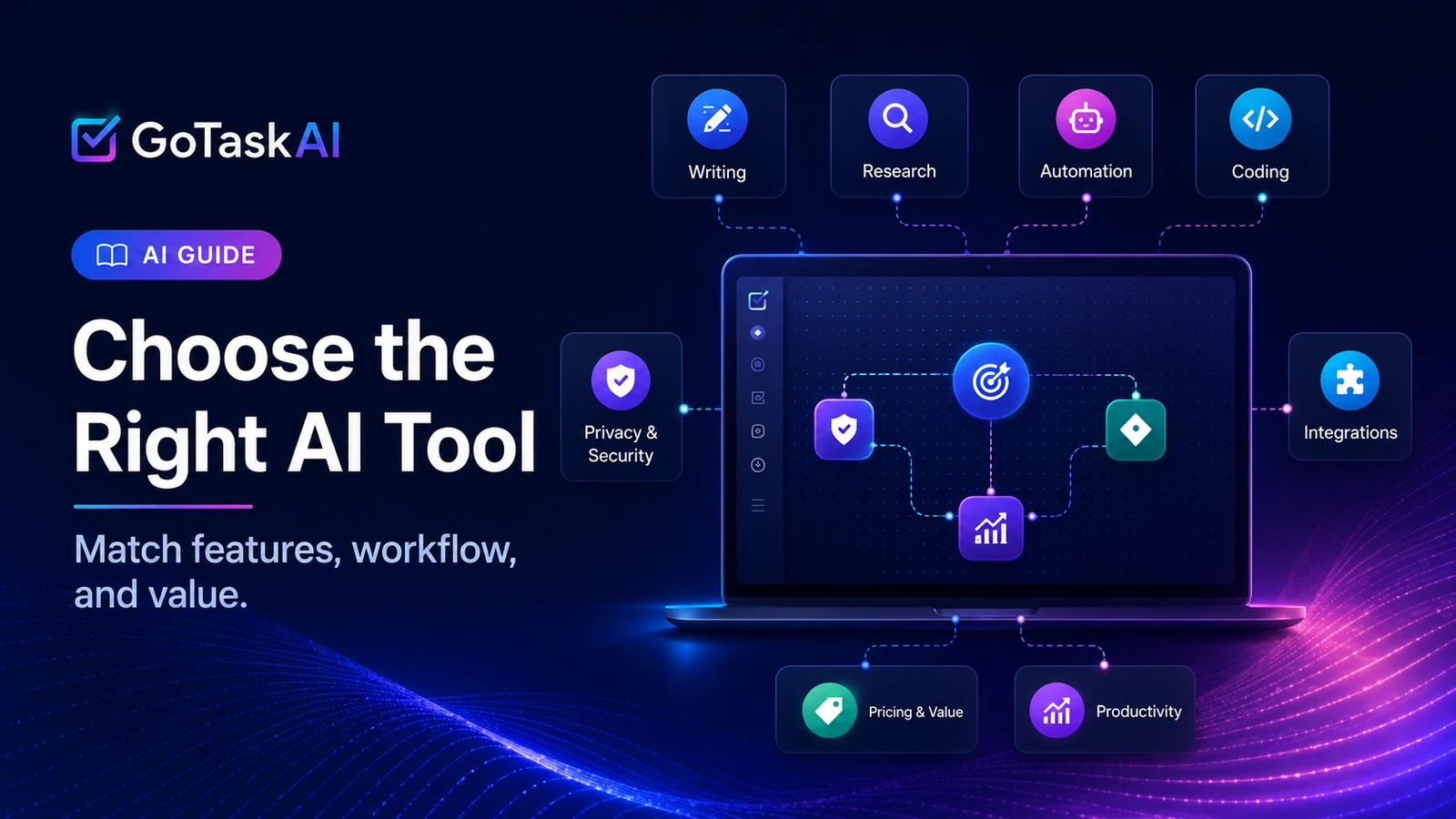
Choosing the right AI tool is not about finding the most popular or feature-packed option. The best choice is the tool that fits your actual workflow, solves a specific problem, and saves more time than it takes to learn and manage.
Writers, researchers, marketers, students, developers, and business owners often need different capabilities. Some tools are better for drafting and brainstorming, while others specialize in research, automation, design, data analysis, or team collaboration.
This guide explains how to choose the right AI tool for your workflow by evaluating your goals, tasks, budget, accuracy requirements, integrations, and long-term usability.
Start With the Problem You Want to Solve
Before comparing features or prices, define the specific problem you want the AI tool to solve. A vague goal such as “improve productivity” can lead you toward an expensive tool with capabilities you rarely use.
Start with one recurring task. You may need to draft content faster, summarize long documents, research reliable sources, analyze data, generate code, organize meetings, or automate repetitive work. A clearly defined task makes it easier to identify the features that genuinely matter.
Ask yourself: What part of my current workflow takes the most time, causes the most friction, or produces inconsistent results? The answer should guide your tool selection.
Map the Tool to Your Existing Workflow
A useful AI tool should fit into the way you already work rather than forcing you to rebuild your entire process around it. Consider where the tool will be used, what information it needs, and what happens after it produces a result.
For example, a writing assistant may need to work with your document editor, while a research tool should make it easy to verify sources and export findings. A team-focused tool may also need shared workspaces, permission controls, and integrations with project management or communication platforms.
The more smoothly a tool connects with your current apps and routines, the more likely you are to use it consistently. Strong features are valuable, but practical workflow compatibility usually matters more than having the longest feature list.
Identify Your Must-Have Features
Once you understand the problem and workflow, separate essential features from optional extras. This prevents you from choosing a tool simply because it offers more capabilities than its competitors.
Create a short list of requirements that directly support your main task. These may include long-document analysis, access to current web information, source citations, file uploads, image generation, coding support, multilingual output, team collaboration, or automation integrations.
Keep the list focused. A tool that performs three essential functions reliably is often a better choice than one that offers dozens of features you may never use. Your must-have requirements should become the standard against which every option is evaluated.
Evaluate Accuracy, Reliability, and Transparency
AI tools can produce confident answers that are incomplete, outdated, or incorrect, so accuracy should be evaluated according to the risk of the task. A minor error in brainstorming may be harmless, while an error in legal, financial, medical, or business-critical work can have serious consequences.
Test each tool with realistic examples from your own workflow. Check whether it follows instructions consistently, handles complex context, explains uncertainty, and provides verifiable sources when research is involved.
No AI tool should replace human review for high-stakes decisions. Choose a tool whose output is easy to verify and whose limitations are clear enough for you to use it responsibly.
Compare Pricing and Total Cost
Price should be evaluated in relation to the value the tool creates, not simply by choosing the cheapest plan. A low-cost tool may still be a poor investment if it requires extra subscriptions, frequent manual corrections, or significant training time.
Review what each plan actually includes. Pay attention to usage limits, file size restrictions, team seats, premium models, integrations, export options, and whether important features are locked behind higher tiers.
Also consider the total cost of adoption. This includes setup time, employee training, workflow changes, and the cost of switching tools later. A slightly more expensive option may deliver better value if it saves more time, reduces errors, and fits your workflow with less friction.
Check Privacy, Security, and Data Handling
Before using an AI tool with sensitive information, review how it stores, processes, and uses your data. This is especially important when working with client files, internal business documents, financial records, personal information, or confidential research.
Check whether the provider uses submitted content for model training, how long data is retained, and whether deletion controls are available. Business users should also review encryption, access permissions, compliance standards, and administrative controls.
For broader guidance on evaluating and managing AI risks, review the NIST AI Risk Management Framework.
Avoid uploading confidential material until you understand the tool’s privacy policy and account settings. A powerful AI tool is not suitable for your workflow if its data practices create unnecessary security or compliance risks.
Test the Tool With Real Tasks
Free plans and trial periods are most useful when you test the tool with work you actually perform. Generic demonstrations may look impressive but do not show whether the tool can handle your instructions, files, terminology, and expected output quality.
Prepare two or three representative tasks and use the same tests across every tool you are considering. Compare the time required, accuracy, ease of use, amount of editing needed, and how well each result fits into the next stage of your workflow.
Do not judge a tool from a single successful prompt. Repeat important tasks several times to check consistency. The best option is the one that performs reliably under normal working conditions, not only during a carefully prepared demonstration. Real-world testing is one of the most reliable ways to learn how to choose the right AI tool for your workflow.
Consider Ease of Use and Learning Curve
A tool can offer excellent features and still be a poor fit if it is difficult to learn or slows down your daily work. The best AI tool should reduce friction, not create a new layer of complexity.
Evaluate how quickly you can complete basic tasks, adjust settings, organize projects, and recover from mistakes. Also consider whether the interface is clear, whether useful guidance is available, and how much time you or your team will need before the tool becomes productive.
For individual users, a simple interface may be more valuable than advanced customization. For teams, onboarding resources, shared standards, and administrative controls may matter more. Choose the level of complexity that matches your actual needs and technical experience.
Consider Long-Term Fit and Scalability
An AI tool may meet your current needs but become limiting as your workload, team, or projects grow. Before committing to a paid plan, consider whether the tool can support larger files, more frequent use, additional users, and more complex workflows.
Review usage limits, team features, administrative controls, integrations, export options, and the ability to move your data if you later choose another platform. A tool that makes it difficult to export work or change providers can create unnecessary dependence.
You do not need to pay for advanced capabilities before you need them. However, choosing a tool with a clear upgrade path can prevent you from rebuilding your workflow when your requirements expand.
Use a Simple Decision Framework
After testing several options, compare them using the same criteria instead of relying on first impressions. Score each tool according to how well it solves your main problem, fits your workflow, meets your essential requirements, and stays within your budget. This structured comparison makes it easier to understand how to choose the right AI tool without being distracted by marketing claims.
You can evaluate each option across five areas: task performance, ease of use, accuracy, integration with your existing tools, and total cost. Give greater weight to the criteria that matter most for your work rather than treating every feature as equally important.
The right choice is not necessarily the tool with the highest overall score. It is the one that performs best in the areas that directly affect your daily workflow and produces enough practical value to justify the time and cost of using it.
How to Choose the Right AI Tool: Quick Checklist
Before committing to an AI tool, confirm that it:
• Solves a specific and recurring problem in your workflow.
• Includes the features you genuinely need.
• Produces results that are accurate enough for your tasks.
• Fits your existing apps, files, and working habits.
• Protects sensitive information appropriately.
• Offers pricing and usage limits that match your budget.
• Is easy enough to use consistently.
• Can support your future needs without locking you into the platform.
If a tool performs well across these areas during real-world testing, it is more likely to deliver lasting value rather than becoming another unused subscription.
Common Mistakes to Avoid
One common mistake is choosing an AI tool because it is popular rather than because it solves a specific problem. Another is paying for advanced features before confirming that the core workflow actually benefits from them.
Avoid comparing tools only by the number of features they offer. More features can increase complexity, while the functions you use most may perform better in a simpler tool. You should also avoid judging a platform from one impressive result without testing its consistency across several real tasks.
Finally, do not overlook privacy settings, usage limits, integration requirements, or the time needed to review AI-generated work. The best tool should create measurable value without adding hidden costs, unnecessary risk, or more work than it removes.
Final Thoughts
Learning how to choose the right AI tool starts with understanding your workflow, not comparing every product on the market. Define the problem, identify the features that matter, and test each option with real tasks before committing to a paid plan.
The best tool should save time, fit naturally into your existing process, produce results you can verify, and provide enough value to justify its cost. In many cases, the simplest tool that reliably solves your main problem is a better choice than the platform with the longest feature list.
Explore the GoTaskAI AI Tools directory to compare individual tools, or read our Best AI Tools for Productivity guide for practical recommendations. You can also review comparisons such as ChatGPT vs Claude AI and ChatGPT vs Perplexity AI to understand how leading tools differ in real workflows.